





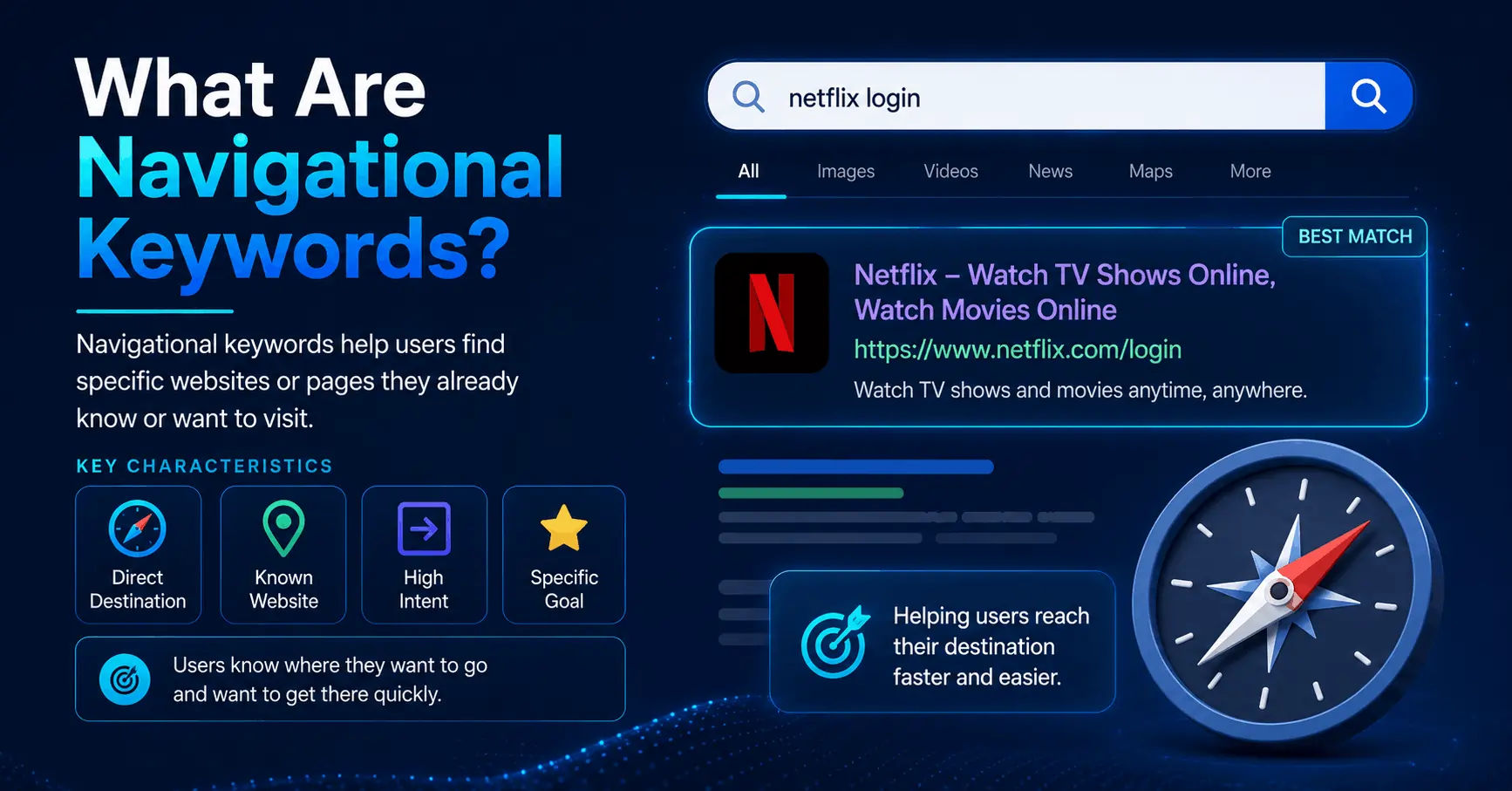
Navigational keywords send people to a destination they already have in mind.
Type “Netflix login” into Google, and you know the result you want before the page finishes loading. You are not researching streaming services. You are using search as a shortcut.
That is what makes navigational keywords different from the terms most marketers fight to rank for. Beginners usually make one of two mistakes: they ignore them completely, or they waste hours chasing keywords that belong to someone else.
This guide shows you how to avoid both. You’ll learn what navigational keywords are, how to spot them in seconds, how they differ from other types of search intent, and the one question that tells you whether a navigational keyword deserves your time. By the end, you’ll know which ones to claim and which ones to leave alone.
What are navigational keywords?
A navigational keyword is a search where the person already knows the website, brand, or page they want and uses a search engine to get there fast. The goal is to arrive somewhere specific, not to learn a topic or compare options.
The tell is almost always a name. A brand, a product, a page, or a URL typed into the search box instead of the address bar.
A few clear examples:
- “gmail login” (a specific page)
- “spotify” (a specific site)
- “nike air max” (a brand plus a product line)
- “notion pricing” (a brand plus a page)
- “wellsfargo.com” (a URL used as a search)
In each case the decision has already happened. The person picked their destination and wants the quickest route to it. Your job, if these terms involve you at all, is not to change their mind. It’s to be the destination or stand honestly beside it.
The four types of search intent
Navigational is one of four classic intent categories. Sorting your keyword list into these buckets is the most useful thing you can do before you write a single word.
| Intent | What the searcher wants | Example query | Your move |
|---|---|---|---|
| Informational | To learn or understand | how to clean running shoes | Publish helpful guides and answers |
| Navigational | To reach a specific page | brooks running shoes | Own your brand result or capture adjacent demand |
| Commercial | To compare before buying | best running shoes for flat feet | Build comparisons, reviews, roundups |
| Transactional | To complete an action | buy brooks ghost 16 size 10 | Optimize product and checkout pages |
The fastest way to feel the difference is to watch one topic move across all four. Take running shoes:
- Informational: “how do I find my running shoe size” (teach me)
- Commercial: “best stability running shoes 2026” (help me choose)
- Navigational: “brooks ghost” (take me to this brand)
- Transactional: “brooks ghost 16 buy online” (let me purchase)
Same subject. Four different jobs. The navigational version is the only one where the searcher named a destination, and that naming is your signal.
Navigational vs branded keywords: the distinction people miss
People use these two terms as if they mean the same thing. They overlap heavily, but they aren’t identical, and the gap matters.
Most branded keywords are navigational. Search a brand name and you usually want that brand’s site. But two exceptions break the equation.
First, not every navigational keyword is branded. Someone searching “login page” or a typed-out URL has navigational intent with no brand attached.
Second, not every branded keyword is navigational. A query like “[brand] reviews” carries commercial intent, and “buy [brand] subscription” is transactional. The brand name is one clue. The words around it tell you the actual job.
So read the full query before you label it. “Asana” is navigational. “Asana vs Trello” is commercial. “Asana pricing” sits on the border, because the searcher probably wants the official pricing page but may also be weighing the cost.
How to spot a navigational keyword
You don’t need a paid tool to classify intent. Three checks handle most cases.
Look for a brand or proper noun. If the main word in the query is a company, product, app, or person, the intent is usually navigational. “Spotify Wrapped” is navigational. “Best music streaming service” is not.
Read the SERP. This is the most reliable signal, because Google has already studied billions of these searches. Type the keyword in and look at page one. If the results are dominated by one brand’s own pages, plus sitelinks and a knowledge panel, Google has classified the query as navigational. If you see listicles, guides, and a mix of competing domains, the intent is informational or commercial.
Apply the one-right-answer test. Ask whether a single specific page would satisfy the searcher. Someone searching “Dropbox login” wants the Dropbox login screen and nothing else. Someone searching “cloud storage options” would happily read any of a dozen articles. One right answer means navigational.
The five-second version
When you’re unsure, search the term and ask one question: is page one trying to send everyone to the same place? If yes, it’s navigational. If the results compete to answer a question from different angles, it isn’t. That check takes about five seconds and beats most automated intent labels on the borderline cases.
Should you target navigational keywords?
Here’s where most advice goes quiet or hands you a flat yes or no. The honest answer depends entirely on whose brand sits inside the query. There are three situations, and they call for three different responses.
Your own brand: always
When people search your name, you should own that result completely. This is the easiest, highest-converting traffic you will ever get. The searcher already chose you. Losing that click to a competitor’s ad or a review site is a real, measurable cost.
Do not assume you rank first for your own name automatically. New brands, brands with common-word names, and brands with heavy review coverage often get crowded out on their own terms. Audit it rather than trust it.
A competitor’s brand: yes, but sideways
You will almost never outrank a company for its own name, and trying to is wasted effort. Google knows the searcher wants that specific brand and will serve it.
What you can do is capture the searches that orbit a competitor. Terms like “[competitor] alternatives,” “[competitor] vs [your product],” and “[competitor] pricing” carry navigational curiosity but tip into commercial comparison, which leaves room for you to appear with genuinely useful content. That edge is where challenger brands win real traffic.
One rule keeps this clean: the content has to be honest. Pages that misrepresent a rival or bury the comparison under a sales pitch get ignored and can damage trust. If a searcher would feel tricked landing on your page, don’t target the query.
A destination you don’t own: skip it
Chasing “facebook login” or “amazon” when you are neither brand is pointless. The intent is locked to someone else, and no amount of optimization redirects it to you. These terms often carry enormous search volume, which is exactly the bait. Volume without relevant intent is a vanity metric. Knowing what to skip is as valuable as knowing what to chase.
How to win the navigational traffic worth winning
Once you’ve sorted the keywords that actually belong to you, here’s how to capture them.
Own your branded SERP
When someone searches your name, the entire first screen should work in your favor.
- Optimize your homepage and key pages so Google can generate sitelinks, those indented sub-links that appear under your main result.
- Add organization structured data so your name, logo, and profiles can power a knowledge panel.
- Keep your business name, address, and contact details consistent everywhere so the result stays clean and trustworthy.
- Claim and complete your Google Business Profile if you have any local presence.
- Build dedicated pages for the queries people pair with your brand: “[brand] pricing,” “[brand] login,” “[brand] support.”
Match the page to the task. A pricing search should land on pricing. A login search should land on login. Forcing every branded query through your homepage adds friction at the worst possible moment.
Capture competitor-adjacent demand
For the searches orbiting competitors, build content that earns the click on merit.
- Comparison pages: an even-handed “[your product] vs [competitor]” that helps people decide.
- Alternatives pages: a “best [competitor] alternatives” roundup where you appear on a fair list.
- Migration guides: a “how to switch from [competitor] to [your product]” walkthrough for people already considering the move.
These pages catch searchers in the consideration phase who started with a competitor in mind but haven’t committed yet.
Read your branded traffic correctly
Branded, navigational traffic can quietly distort how you judge your SEO.
When your branded searches climb, your total organic traffic looks great, even if your non-branded rankings are flat or falling. That’s a problem, because non-branded growth is what actually expands your audience.
The fix is to segment. In Google Search Console, separate branded queries from non-branded ones and track them apart. Branded traffic measures your reputation. Non-branded traffic measures your reach. Watching them together hides the story. Watching them apart tells you which lever to pull.
How navigational search is changing
This category is shifting faster than any other, and it changes how you should measure success.
Browsers now autocomplete URLs and surface history instantly, so some navigational searches never reach Google at all. At the same time, a large share of searches end without a click, because a sitelink or knowledge panel answers the searcher in one step. Navigational queries get hit hardest by this, since the destination often appears right on the results page.
AI-powered search adds another layer. When someone asks an assistant to “open my email” or “find the Acme contact page,” it may route them straight there and skip the traditional results page entirely. For pure navigational intent, the destination matters far more than the path, so people accept whatever route is fastest.
Two takeaways follow. First, your branded search presence matters more, not less, because AI tools and knowledge panels pull from structured, authoritative sources to answer these queries. Clear, well-marked pages make you easier to surface. Second, stop measuring navigational keywords by clicks alone. A searcher who reaches your login page through a sitelink, an autocomplete suggestion, or an AI answer is still a win, even when the analytics look quieter than they used to.
Common mistakes to avoid
A few errors show up again and again with navigational keywords.
- Writing a blog post for a login query. Someone searching “[brand] login” wants the login page, not a 1,500-word article about your product. Improve the page instead of publishing content around it.
- Ignoring branded query data. Branded searches are demand you already earned. Leaving that data unexamined in Search Console means missing the clearest read you have on awareness and intent.
- Treating every branded search as a sale. Some searchers want support, and some are existing users logging in. Match the page to the real need behind the query.
- Chasing competitors’ pure brand names. Ranking for “Slack” when you aren’t Slack is a losing game. Build comparison content for the modifiers instead.
- Using clever page titles. A page called “Command Center” may sound sharp, but people search for “dashboard.” Familiar labels win navigational traffic. Clarity beats cleverness.
The bottom line
Navigational keywords aren’t really about traffic. They’re a map of where attention already lives. They show you the demand you already own, the demand forming around your competitors, and the destinations that will never be yours.
Sort your keywords by intent before you write anything. Claim your own branded result first, because it’s the easiest traffic you’ll ever win. Then build honest comparison content for the competitor terms that leave room for you, and leave the rest alone.
Start now: open Google Search Console, filter your Queries report for your brand name, and see how much navigational traffic you’re already getting. That number is your baseline, and protecting it is the highest-return SEO work most sites never bother to do.
Frequently Asked Questions About Navigational Keywords
Use these quick answers to understand navigational keyword intent and find the right keywords for your website.
What are navigational keywords examples?
Common navigational keyword examples include brand names, product names, login pages, pricing pages, support pages, and URLs searched directly in Google. Examples include “Netflix login,” “Amazon customer service,” “Nike Air Max,” “Dropbox support,” “Asana pricing,” and “wellsfargo.com.” In each case, the searcher already has a specific website or page in mind.
What is the difference between navigational and transactional keywords?
Navigational keywords are used when someone wants to go to a specific website, brand, or page. Transactional keywords are used when someone is ready to take an action, such as buying, signing up, booking, or downloading. For example, “Brooks running shoes” is mostly navigational because the user is looking for a specific brand, while “buy Brooks Ghost 16 size 10” is transactional because the user is closer to making a purchase.
How do I find my keywords?
Start by checking Google Search Console for queries that include your brand name, product names, login terms, pricing terms, and support-related searches. You can also brainstorm common pages people may search for directly, such as “[brand] login,” “[brand] pricing,” “[brand] contact,” and “[brand] support.” Then search those terms in Google and see whether the results point strongly to one specific destination. If they do, the keyword likely has navigational intent.
Last Updated on 1 week ago by Alipio Umiten IV