





You can spend $200 a month on SEO software and still have no idea why your traffic is flat.
The software is rarely the problem. The problem is that most “best SEO tools” lists hand you a ranked pile of 40 products, half of them wrapped in affiliate links, without telling you which one fits the job in front of you or whether you need to pay at all. A blogger publishing two posts a week needs a completely different setup than an agency running 40 client sites.
This guide skips the listicle. You’ll learn which SEO tools matter for each job, what they cost, and which free options carry you further than you’d expect. You’ll also see the one shift that reshaped the whole category this year: you’re no longer optimizing only for Google’s blue links. By the end, you’ll know what belongs in your stack and what to ignore.
What Are SEO Tools?
SEO tools are software platforms that help website owners, bloggers, marketers, and businesses improve their visibility on search engines like Google. They make it easier to understand what people are searching for, how your website is performing, what problems may be hurting your rankings, and what you can do to attract more organic traffic.
In simple terms, SEO tools help you make smarter decisions instead of guessing.
There’s no single “best” SEO tool
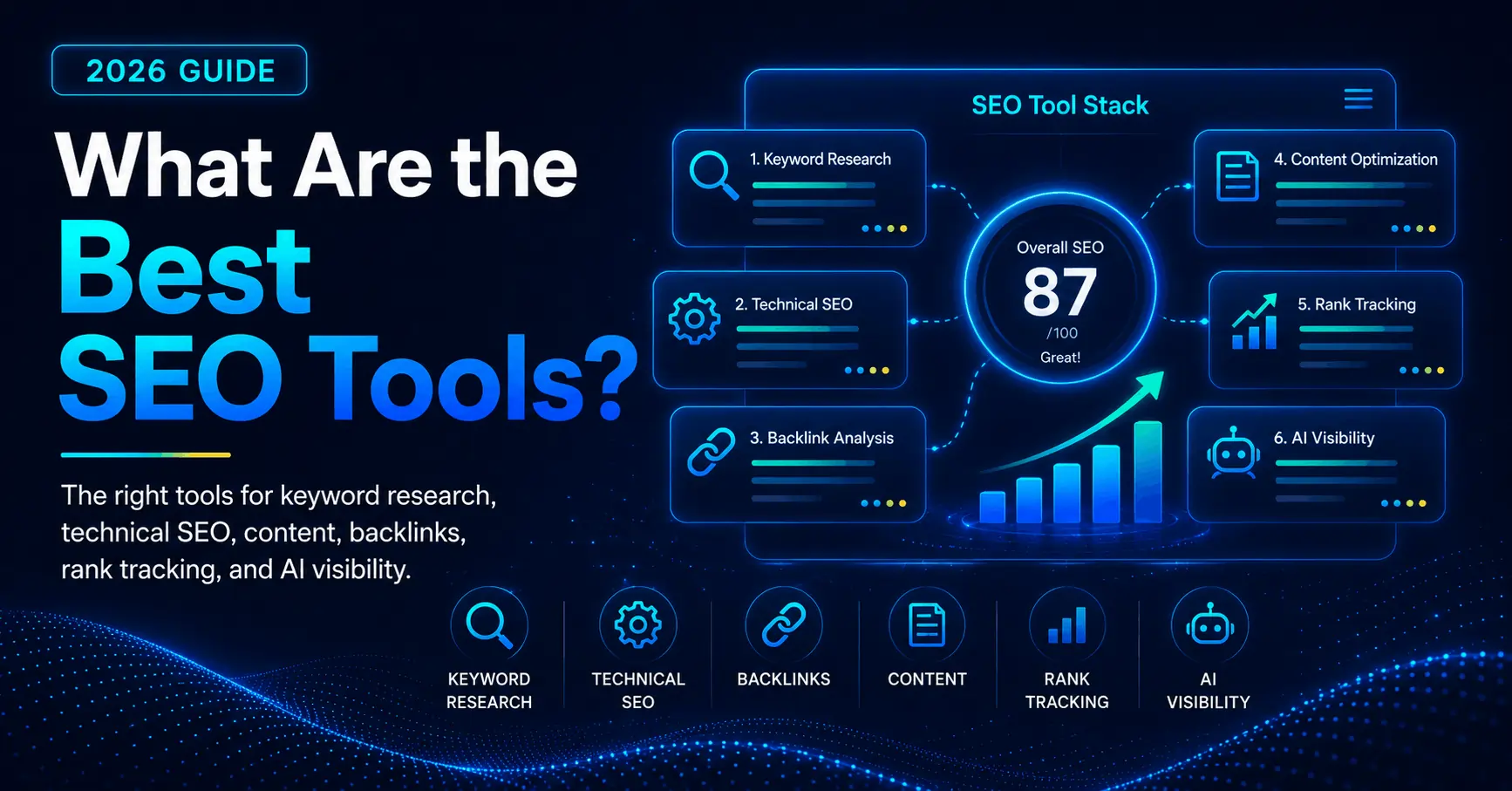
SEO is not one task. It’s at least five: keyword research, content optimization, technical health, backlink analysis, and rank tracking. In 2026 there’s a sixth, AI search visibility, and we’ll get to why that one changes everything.
No single product does all six equally well, whatever the homepage promises. The big all-in-one platforms are genuinely strong at three or four jobs and merely okay at the rest. The specialists do one job better than anyone. So the real question isn’t “what’s the best SEO tool?” It’s “which two or three tools cover my biggest jobs without overlapping?”
Hold that frame and every decision below gets easier. Think of your stack like a workshop. You don’t buy every tool on day one. You buy the one that fixes the next bottleneck.
Free SEO Tools
Before you pay for anything, set up the free tools. Beginners burn money fast by buying a big platform first, and they rarely need to. A handful of free tools can run a real SEO program for months.
Two of them give you data no paid tool can match, because they pull straight from the source.
- Google Search Console. This is the single most important SEO tool, and it’s free. It shows the exact queries bringing people to your pages, plus your impressions, clicks, average position, and any indexing problems Google finds. Every paid rank tracker estimates. Search Console reports. Install this first, no exceptions.
- Google Analytics 4. The companion to Search Console. It tells you what visitors do after they land: which pages hold attention, where they leave, and what drives sign-ups or sales.
- Google Keyword Planner. Built for advertisers, free with a Google Ads account, and useful for keyword ideas and rough volume ranges.
- PageSpeed Insights. Scores how fast a page loads on mobile and desktop and flags exactly what’s slowing it down. Speed influences rankings, so this earns its place.
- Screaming Frog SEO Spider (free tier). A desktop crawler that reads your site the way a search engine does, catching broken links, redirect chains, and missing titles. The free version crawls up to 500 URLs, which covers most small sites completely.
Run this set for a quarter, fix what it surfaces, and publish content that answers real questions. Many new sites see meaningful gains before they pay for a thing. You graduate to paid tools when you need competitor data, deeper research, or scale the free options can’t handle.
What Is the Best SEO Tool?
Instead of ranking tools 1 through 20, find the job in front of you, then find the tool.
Keyword research
This answers three questions: what are people searching for, how hard is it to rank, and what should you create next.
Semrush and Ahrefs lead here, with the largest keyword databases and the most reliable difficulty scores. On a tighter budget, SE Ranking, Mangools (KWFinder), and Ubersuggest deliver solid keyword ideas for a fraction of the price.
One honest warning: search volume is an estimate, and tools disagree, sometimes by a factor of three or more on the same keyword. Use the numbers to compare keywords against each other, not as precise traffic forecasts. Then check your real numbers in Search Console once you rank.
Technical SEO and site audits
This answers one question: what’s quietly stopping Google from crawling, rendering, or indexing your pages?
Screaming Frog is the reference crawler. It surfaces the problems you can’t see from the front end: broken links, redirect chains, duplicate titles, missing canonicals, and pages Google can’t index. The free tier handles small sites; the paid license unlocks larger crawls and JavaScript rendering.
Sitebulb layers friendlier visuals and prioritized recommendations on top of the raw crawl data, which helps when you need to explain findings to a client or a developer. If you’d rather keep everything in one place, both Ahrefs and Semrush include site-audit modules.
A starter audit takes one afternoon: crawl the site, export the 404s and fix or redirect them, clean up missing and duplicate title tags, then check that important pages aren’t accidentally set to noindex.
Backlink analysis
This answers: who links to me, who links to my competitors, and where can I earn links of my own?
Ahrefs built its reputation on backlink data and still leads the category, with one of the deepest link indexes available. Its Content Explorer is excellent for finding link-worthy pages in any niche. Semrush and Moz are strong alternatives, and Moz’s Domain Authority remains common shorthand for site strength.
For a free start, Search Console shows your own incoming links, and Ahrefs Webmaster Tools gives limited free backlink data for sites you verify.
A simple play: find a competitor page with strong links, work out why people linked to it, then build something more current or more useful and reach out to the sites that linked to the older version.
Content optimization
This answers: how do I make this specific page actually rank for its topic?
These tools analyze the pages already ranking for your keyword, then score your draft against them and suggest terms, headings, and structure to add.
- Surfer SEO scores your draft in real time and plugs into Google Docs and WordPress.
- Clearscope is the clean, premium pick favored by professional content teams.
- Frase leans into briefs and research, and notably scores content for both Google and AI answer engines, which matters more every month.
A word of caution: hitting a tool’s target score is not the same as writing something worth reading. These tools point you toward relevant terms, but they don’t supply expertise, original data, or a point of view. Treat the score as a floor, never the goal. Reach for one of these only if you publish regularly. For the occasional post, it’s an expense you don’t need.
Rank tracking
This answers: where do my keywords rank, in which locations, and which way are they trending?
Dedicated trackers like AccuRanker and Nightwatch update daily and handle precise local tracking across thousands of locations. Most people only need that level of detail if local results or daily granularity genuinely matter. For everyone else, Search Console’s position data covers the basics for free. Newer trackers now log positions inside AI answers too, which points straight at the category nobody saw coming two years ago.
All-in-one SEO platforms: Semrush, Ahrefs, Moz, and SE Ranking
If you’d rather pay once and get most jobs under one roof, the all-in-one platforms are built for you. They cost more, with entry plans typically running from roughly $100 to $200 a month and serious tiers well above that, so they make sense when SEO is central to your work rather than an occasional task. (Pricing shifts often, so confirm the current figure on each vendor’s page.)
- Semrush is the broadest of the group: keyword research, rank tracking, audits, content tools, competitor analysis, and paid-search data in one dashboard. That breadth is the selling point and also its steepest learning curve. As of April 2026, Semrush is an Adobe company (more on that below), so expect deeper Adobe integration over time.
- Ahrefs is the favorite for backlink work and keyword research, with data quality that’s hard to beat. It guides you less than Semrush does, so it rewards users who already know what they’re looking for. Lean on its trends and comparisons rather than its raw traffic numbers, which tend to run high.
- Moz Pro has the gentlest learning curve of the four, which makes it a friendly first platform for beginners, though its underlying data set is smaller than the two giants.
- SE Ranking is the value pick: most of the all-in-one features at a noticeably lower price, which is why freelancers and small agencies like it.
The honest note: you rarely need two of these at once. Pick one as your hub, then add a specialist only for the job it doesn’t do well. Owning both Semrush and Ahrefs is one of the most common ways small teams waste budget.
The new category that changes everything: AI visibility and GEO tools
Here’s what every “best SEO tools” list written before 2025 now gets wrong.
A growing share of searches end without a click, because the answer appears right at the top in a Google AI Overview or inside a chatbot like ChatGPT, Perplexity, or Gemini. Research from BrightEdge puts AI Overviews in roughly 48% of Google searches, alongside a zero-click rate near 60%. When the answer shows up without a click, ranking number one matters less than being the source the AI chooses to cite.
That shift created a discipline with its own name: generative engine optimization (GEO). The goal is getting your brand and content surfaced and quoted inside AI answers, not just ranked in the classic ten links. And it created a new class of tools to measure it:
- Semrush’s AI Visibility Toolkit tracks how your brand shows up across ChatGPT, Perplexity, Gemini, and Google’s AI surfaces, bundled into its Semrush One plans.
- Ahrefs Brand Radar tracks brand mentions across AI answers, sold as a paid add-on.
- Profound, Peec AI, and Otterly are dedicated AI-search analytics tools focused purely on where you’re mentioned, how often, and in what tone.
How seriously should you take this? Seriously enough that Adobe acquired Semrush for about $1.9 billion, a deal announced in November 2025 and completed on April 28, 2026, specifically to own brand visibility in the AI era. (See Adobe’s announcement.) Adobe pointed to its own data showing AI-driven traffic to U.S. retail sites jumped 269% year over year as of March 2026. When a company that size reorganizes its strategy around GEO, the trend is worth reading.
One more signal for the technically curious: in late 2025 and early 2026, both Semrush and Ahrefs launched MCP servers, which let AI assistants query their SEO data directly through plain language. That hints at where this is heading: SEO tools you talk to, with AI agents pulling the data and drafting the next move.
You don’t need a GEO tool today, especially as a beginner. But you should know the category exists, and you should start writing the kind of content AI engines like to cite: clear answers, structured data, named sources, and real expertise. Most of those habits strengthen your classic rankings too, so the effort pays off either way.
How to build your SEO tool stack, by budget
Tools are the means, not the strategy. Match your stack to your stage, and resist the urge to over-buy.
| Your stage | Monthly budget | What to use |
|---|---|---|
| Brand-new site or hobby blog | $0 | Search Console, GA4, Keyword Planner, PageSpeed Insights, Screaming Frog (free) |
| Solo creator or small business | ~$30 to $100 | The free stack, plus one budget research tool (SE Ranking, Mangools, or Ubersuggest) and a content optimizer if you publish often |
| Serious in-house SEO or growing site | ~$120 to $300 | One all-in-one platform (Semrush, Ahrefs, or SE Ranking) as your hub, plus Screaming Frog for deep audits |
| Agency or multi-site operation | $300+ | An all-in-one, a dedicated rank tracker with white-label reports, a crawler, a content optimizer, and an AI-visibility tool as GEO reporting becomes a standard deliverable |
Start smaller than you think you need. Adding a tool when a real gap appears is easy. Justifying a stack you use ten percent of is not. A good test for any subscription: if you can’t name the specific job it does for you this month, cancel it.
Common mistakes that waste your money
A few traps catch almost everyone, so name them before they catch you.
- Buying the biggest platform first. You’ll use a fraction of it and pay full price for the rest. Start free, upgrade when a need appears.
- Treating estimates as truth. Third-party traffic and volume numbers are educated guesses, and they can be wildly off. Trust your own first-party data for absolute figures, and use the paid tools for trends and competitor comparisons.
- Paying for overlap. Two tools doing the same job is dead money. Map each subscription to a distinct need.
- Chasing scores. Health scores, content grades, and difficulty scores are signals, not goals. A green light doesn’t guarantee a ranking, and a lower score doesn’t always mean a page is bad.
- Ignoring the free first-party data. Paying for a tool while never opening Search Console means paying for estimates while ignoring the real thing.
The takeaway
The best SEO tools in 2026 aren’t a single winner you buy and forget. They’re a small, deliberate stack matched to your biggest jobs and your real budget, with one new priority layered on top: showing up in AI answers, not just search rankings.
So do this today. Open Google Search Console and connect your site if you haven’t. Spend a week reading your own free data. Then pick the single job holding you back the most, whether that’s keyword research, technical health, or content, and trial exactly one paid tool to fix it. Cancel it if it doesn’t earn its keep.
Start free, add deliberately, and let actual need decide what you pay for, never a “top 20” list.
Frequently Asked Questions About SEO Tools
These FAQs answer the most common questions about the Best SEO Tools.
What is the most used SEO tool?
Google Search Console and Google Analytics are two of the most widely used SEO tools because they are free and give website owners first-party data from Google. For paid SEO platforms, Semrush and Ahrefs are popular choices for keyword research, competitor analysis, backlink tracking, and site audits.
Can ChatGPT do an SEO audit?
Yes, ChatGPT can help with an SEO audit when you provide page copy, URLs, crawl data, or Search Console exports. It can identify content gaps, title tag issues, keyword opportunities, and technical SEO concerns, but it works best alongside tools like Google Search Console, Screaming Frog, Semrush, or Ahrefs.
Which SEO tool is best for beginners?
Google Search Console is the best SEO tool for beginners. It is free, easy to start with, and shows which search queries bring people to your site, how your pages perform in Google, and which indexing issues need attention.
Which software is best for SEO?
The best SEO software depends on your needs. Semrush is a strong all-in-one option for keyword research, audits, competitor analysis, and reporting, while Ahrefs is especially strong for backlinks and keyword research. Smaller teams can also consider SE Ranking, Mangools, or Ubersuggest for more budget-friendly SEO work.
What are basic SEO tools?
Basic SEO tools help you research keywords, track website performance, find technical issues, measure traffic, and improve content. A simple beginner stack includes Google Search Console, Google Analytics, Google Keyword Planner, PageSpeed Insights, and Screaming Frog’s free crawler.
Last Updated on 2 months ago by Alipio Umiten IV
