



You published a page two weeks ago. It’s still nowhere on Google. No clicks, no impressions, nothing. Before you blame your writing or rush to build links, ask a simpler question: has Google actually found the page yet?
That question is the heart of crawling in SEO. Crawling is how search engines discover the pages on your site, and it happens before anything else. If a page never gets crawled, it can’t be indexed, and a page that isn’t indexed can’t rank for a single keyword.
This guide explains what crawling is, how it differs from indexing and ranking (the distinction most beginners miss), and the practical steps to confirm your pages are getting found. You’ll also see how the rules shifted in 2026, now that AI bots crawl your site alongside Googlebot.
What is crawling in SEO?
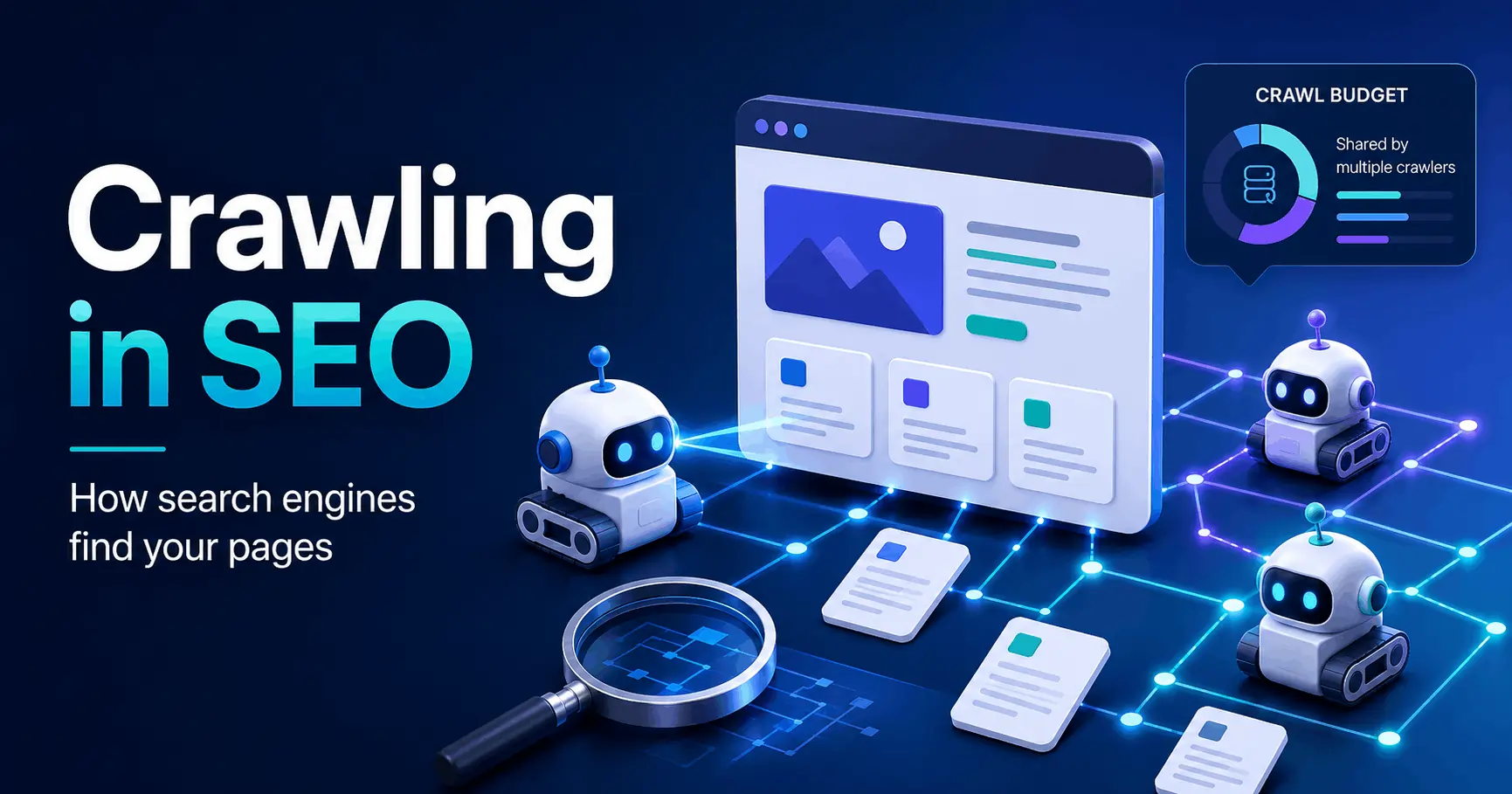
Crawling is the process search engines use to find pages on the web. They run automated programs (called crawlers, bots, or spiders) that travel from link to link, download what they find, and pass it back for processing.
Google’s crawler is named Googlebot. Bing runs Bingbot. Every major search engine operates its own. Their job is the same: request a page, read its code, and note every link so they can visit those pages too.
A crawler works like a tireless scout with a giant list of URLs. It opens a page, reads it, writes down every link, and adds those links to the bottom of its list. Then it moves to the next URL and repeats, more or less forever.
One thing to be clear about: at this stage the crawler isn’t grading your content or deciding where it ranks. It’s only finding out the page exists and grabbing a copy to analyze. Judgment comes later.
The key point for you is blunt. If a page is never crawled, the search engine doesn’t know it exists, and a page it doesn’t know about cannot show up in search results.
Crawling vs. indexing vs. ranking
People use these three words interchangeably. They shouldn’t, because mixing them up leads to fixing the wrong problem.
Here’s how the stages fit together:
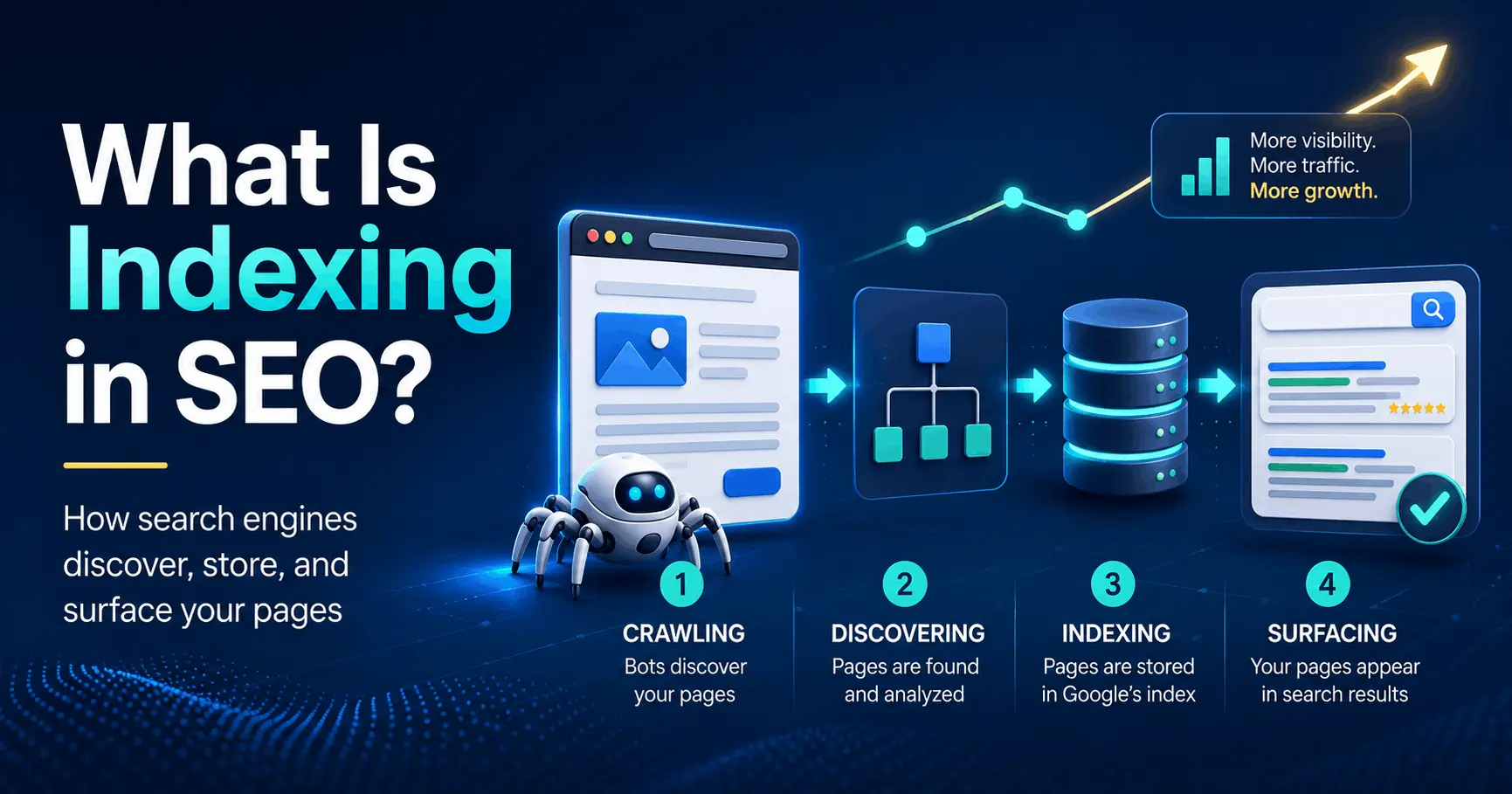
- Crawling is discovery. A bot finds a URL and fetches the page.
- Indexing is analysis and storage. The search engine processes the page and files it in its index, the giant database of pages eligible to appear in results.
- Ranking is selection. For a given search, the engine picks which indexed pages to show, and in what order.
Each step depends on the one before it. No crawl, no index. No index, no ranking. So when a page is missing from Google entirely, the problem almost always sits upstream at crawling or indexing, not at ranking.
A quick example. You publish a new service page but forget to link to it from anywhere and leave it out of your sitemap. Googlebot has no trail to follow, so it never crawls the page. It never gets indexed, and it never appears, no matter how polished the copy is.
The takeaway worth tattooing on your hand: crawled does not mean indexed, and indexed does not mean ranking. Each is a separate hurdle, and the fix depends on which one your page tripped over.
How search engine crawlers find your pages
Crawlers discover URLs in a few predictable ways. Send more of these signals and your pages get found faster.
- Links from pages already crawled, both your internal links and links from other sites. This is the original method and still the main one.
- XML sitemaps you submit through Google Search Console.
- Internal links from pages Googlebot already visits often, like your homepage and main category pages.
- Occasional sources such as RSS feeds or a manual URL submission.
Internal linking does most of the heavy lifting. When you link a new page from an established page Googlebot visits regularly, you hand the crawler a direct route to it. Pages with no internal links pointing to them, called orphan pages, are exactly the ones that slip through the cracks.
A simple rule keeps you honest: every page you want indexed should sit within a few clicks of your homepage.
The JavaScript wrinkle
There’s a step between crawling and indexing that trips up modern sites: rendering. After Googlebot fetches a page, it often has to run the JavaScript to see the full content and links, the way a browser does.
This matters if your site runs on a JavaScript framework. If your main content or your internal links only appear after scripts run, a crawler can fetch a near-empty page and miss them.
Two safeguards help. First, make sure important links exist as real anchor tags in the HTML, not just click handlers. Second, consider server-side rendering or static generation so the crawler gets complete content on the first fetch. The less work a bot has to do to see your content, the more reliably your pages get crawled.
What is crawl budget, and should you care?
Crawl budget is the number of pages a search engine will crawl on your site in a given window. Two factors drive it: how much crawling your server can handle without slowing down (crawl rate), and how much Google actually wants to crawl your site based on its popularity and freshness (crawl demand).
For most small sites, crawl budget is a non-issue. Google has said that sites up to a few thousand URLs are usually crawled efficiently without any special attention.
It becomes a real concern once you run a large site (tens of thousands of URLs), a big e-commerce catalog, or a site that publishes constantly. Waste that budget on duplicate pages, endless filter URLs, or broken redirects, and your important pages get crawled less often.
The 2026 shift: AI crawlers now compete for your crawl budget
Here’s what older explainers leave out. Googlebot is no longer the only serious crawler hitting your site. A whole class of AI crawlers now scrapes the web to feed and update large language models, and their traffic has climbed sharply.
The list includes GPTBot (OpenAI), ClaudeBot (Anthropic), PerplexityBot, and Google-Extended (Google’s AI training agent), among others. Some reports suggest these bots now account for a meaningful share of total crawl activity on large sites.
Two things follow for you:
- Every page an AI bot crawls is server capacity that could have gone to Googlebot. On a big site, AI crawlers can quietly erode your crawl budget.
- You now face a decision that didn’t exist a few years ago: which bots do you allow, and which do you block?
A useful nuance: blocking an AI training crawler does not hurt your normal Google rankings. Blocking Google-Extended, for instance, opts your content out of Gemini training but leaves standard Google Search indexing untouched. Plenty of publishers now block pure training scrapers while still allowing retrieval bots that can cite them inside AI answers.
You might also hear about llms.txt, a proposed file that points AI agents toward your key content. Treat it as optional and unproven for now. Your traditional crawlability and site authority still do the real work.
What stops crawlers from reaching your pages
Crawl problems are sneaky because the page still loads fine in your own browser. You’d never know something was wrong. Here are the usual culprits.
- Robots.txt blocks. One misplaced Disallow rule can wall off an entire section of your site. This is one of the most common self-inflicted SEO wounds.
- A stray noindex tag. Developers sometimes leave noindex on pages after a launch or redesign, which quietly removes them from results.
- Orphan pages. No internal links means no easy path for crawlers to find the page.
- Broken links and redirect chains. Dead links waste crawl effort, and long redirect chains slow the trail to a standstill.
- Slow or unstable servers. Frequent timeouts and 5xx errors make Google crawl more cautiously to avoid piling on.
- Login walls and gated content. Crawlers don’t log in, so anything behind a form or paywall is generally off-limits.
Gut check: if a page isn’t showing up, run through this list before assuming you have a ranking problem. Most “my page won’t rank” complaints are really “my page won’t crawl or index” in disguise.
robots.txt vs. noindex (don’t confuse them)
These two tools get mixed up constantly, and the mix-up causes real damage.
robots.txt controls crawling. It sits at the root of your domain and tells compliant bots which areas they may or may not request. Use it to keep crawlers out of low-value sections like internal search results, faceted filter URLs, or staging environments. But blocking a page in robots.txt does not reliably keep it out of the index. If another site links to that URL, Google can still list it, showing it with no description because it knows the page exists but can’t read it.
A minimal robots.txt looks like this:
User-agent: *
Disallow: /cart/
Disallow: /search/

Sitemap: https://example.com/sitemap.xml
The noindex tag controls indexing. To actually keep a page out of search results, add a noindex meta tag (or HTTP header) to the page itself. The catch most people miss: Googlebot has to crawl the page to see the noindex tag. So if you block a page in robots.txt and add noindex, the bot never reads the noindex instruction, and it gets ignored.
Rule of thumb:
- Want a page found and ranked? Keep it crawlable and indexable.
- Want a page kept out of results but still reachable? Use noindex, and don’t block it in robots.txt.
- Want to save crawl budget on genuinely worthless URLs? Block them in robots.txt.
How to check if Google is crawling your site
You don’t have to guess. Three checks tell you what’s actually happening, and the first two are free inside Google Search Console.
- URL Inspection tool. Paste any URL from your site to see whether Google has crawled it, when it last did, and whether it’s indexed. This is your fastest check for a single important page.
- Crawl Stats report. Found under Settings, it shows how many requests Googlebot made over time, your server’s response times, and any spikes or errors. A sudden drop in requests or a jump in errors is a red flag worth chasing.
- The site: operator. Type
site:yourdomain.cominto Google to see roughly which pages are indexed. This reflects indexing rather than crawling directly, but a missing page is a strong signal something broke upstream. - Server log files. For large sites, your logs record every bot visit, so you can see exactly which crawlers (Googlebot, GPTBot, and the rest) hit which pages and how often. More setup involved, but the most precise view there is.
Start with the URL Inspection tool on your three or four most important pages. It takes a minute and usually surfaces the obvious problems.
How to get your important pages crawled faster
Once you know crawling is the bottleneck, here’s how to open it up.
- Add internal links to new pages from pages Googlebot already visits often, like your homepage and category pages.
- Keep an up-to-date XML sitemap and submit it in Search Console. Update the lastmod date when you make meaningful changes.
- Fix crawl errors. Clear broken links, server errors, and redirect chains so bots stop hitting dead ends.
- Improve site speed and server reliability. A faster, steadier server raises your crawl rate.
- Request crawling for priority pages. Inspect a new or freshly updated URL in Search Console and click Request Indexing. Save it for pages that matter, not every small edit.
- Prune thin and duplicate pages so crawl budget flows to content worth ranking.
You won’t control the exact moment Google crawls. But you can clear the obstacles and make the path as obvious as possible.
The bottom line
Crawling is the front door to search visibility. Get it wrong and the rest of your SEO doesn’t matter, because a page that’s never crawled never gets the chance to rank.
The good news: crawlability is one of the most fixable parts of SEO. Clear internal links, a clean sitemap, a sensible robots.txt file, and a healthy server cover most of what any crawler needs.
Here’s your next step. Open Google Search Console, run the URL Inspection tool on your most important page, and confirm Google has crawled and indexed it. If it hasn’t, work back through the common problems above, find the stage where things break, and you’ll know exactly what to fix.
Frequently Asked Questions About SEO Crawler
Need a quick answer? These FAQs cover the most common questions about SEO crawlers, how crawling works, and why it matters for search visibility.
What are crawlers in SEO?
Search engines use crawlers to discover web pages. People also call them bots, spiders, or web crawlers. A crawler visits URLs, reads page content and code, follows links, and sends what it finds back to the search engine for processing. Google calls its crawler Googlebot, while Bing calls its crawler Bingbot.
What is crawling in search engines?
Search engines use crawling to find new and updated pages on the web. Their bots visit known URLs, download page content, and follow links to discover more URLs. Crawling starts the search visibility process because search engines usually need to crawl a page before they can index or rank it.
What is crawling used for?
Search engines use crawling to discover pages, understand site structure, detect content updates, and find links between pages. Without crawling, a search engine may not know that a page exists, so it cannot show that page in search results. Crawling also helps search engines keep their index fresh when websites publish or update content.
Is crawling the same as indexing?
No. Crawling and indexing are different steps. During crawling, a search engine discovers and visits a page. During indexing, the search engine analyzes that page and stores it in its database so the page can appear in search results. A search engine can crawl a page without indexing it, but it usually cannot index a page unless it crawls it first.
Does SEO use bots and crawlers?
Yes. Search engines use bots and crawlers to discover, access, and process website pages. For SEO, you need to make your most valuable pages easy for crawlers to reach. Robots.txt blocks, login forms, missing internal links, server errors, and noindex tags can stop crawlers from accessing or indexing important pages.